
ScanBizCards now offers batch scanning. You can scan multiple badges in one go.
To Scan multiple Badges:
1. Open ScanBizCards application
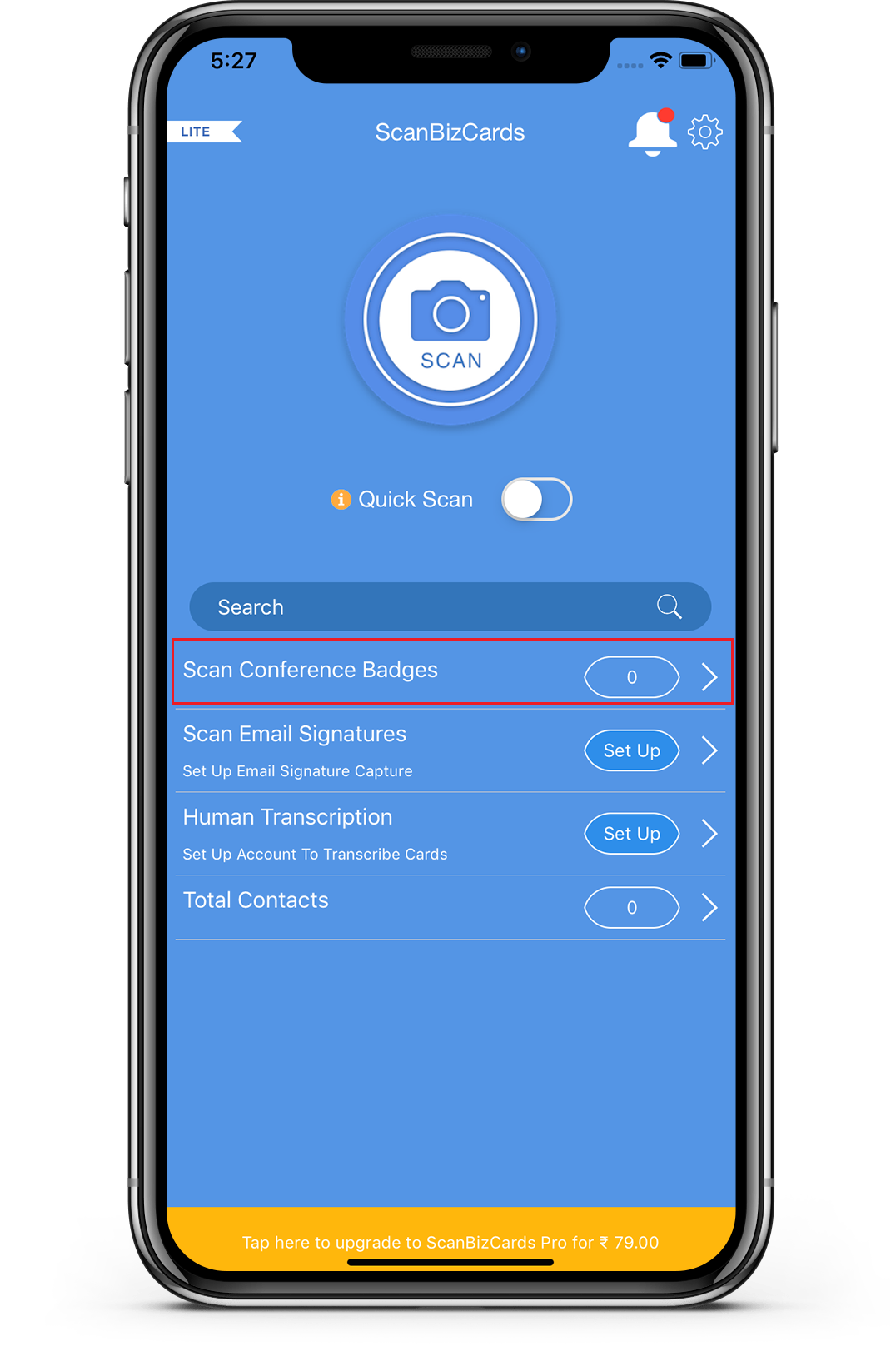
2. Tap on Scan Conference Badges, the Camera view will open.
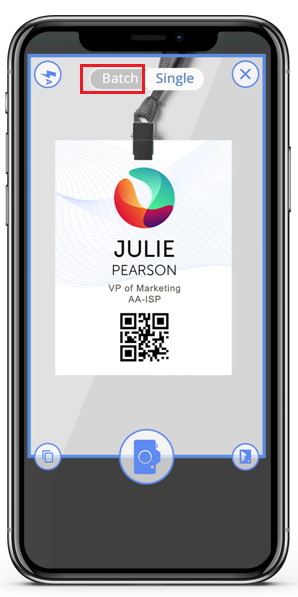
3. From the Camera view, click on Batch from the top.
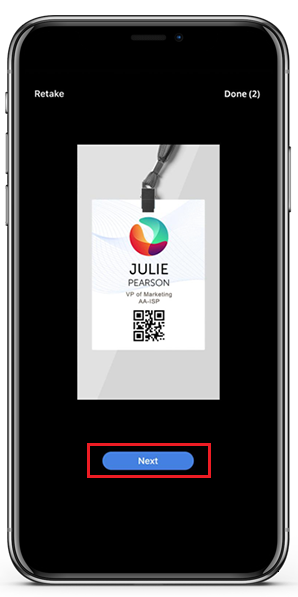
4. Now, Scan a badge and click Next to scan another Badge.
- After scanning all the Badges, click Done.
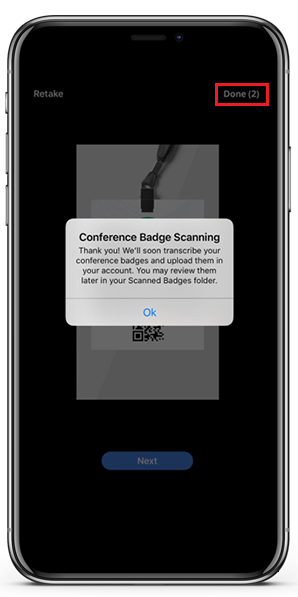
Now, all the scanned badges will be sent for transcription. You can locate all the scanned badges in Total Contacts > Scanned Badges folder.
Comments
0 comments
Please sign in to leave a comment.